
Structure
For simplicity and transparency, the menu structure and associated directory structure are the same.
Behavior
A significant feature of the menu is its tree structure: each section or subsection is a node and content traverses from
each node through its children. In Presidium, the node name or title becomes the main header of the page.
Everything outside of that sub-tree is not presented on the page. In this example, the user has clicked Content
Structure. Everything under that section is displayed:
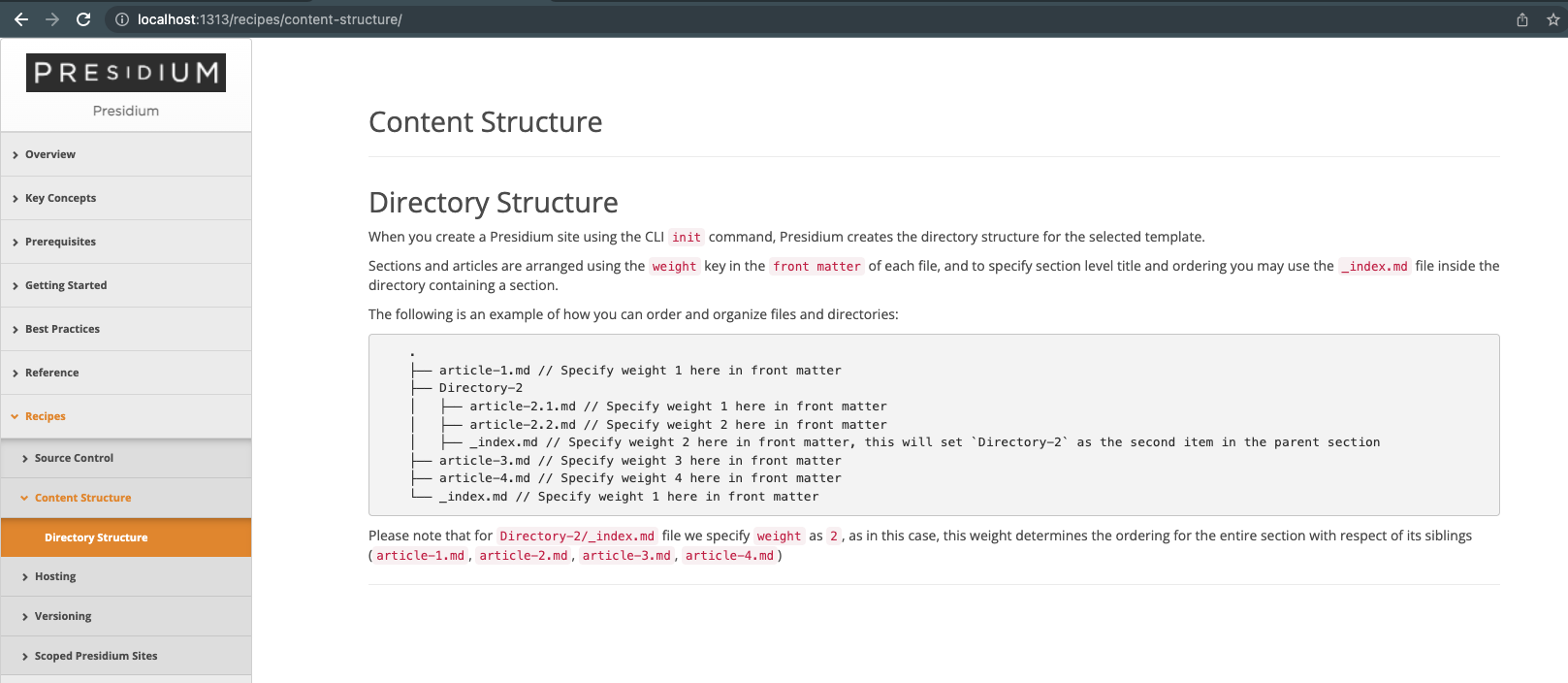
Note the URL: /recipes/content-structure/. When you click on a section or subsection title, the url is included in
the path. If you click on an article in a subsection (for example, Article Concatenation), the URL changes to
/recipes/content-structure/#article-concatenation.